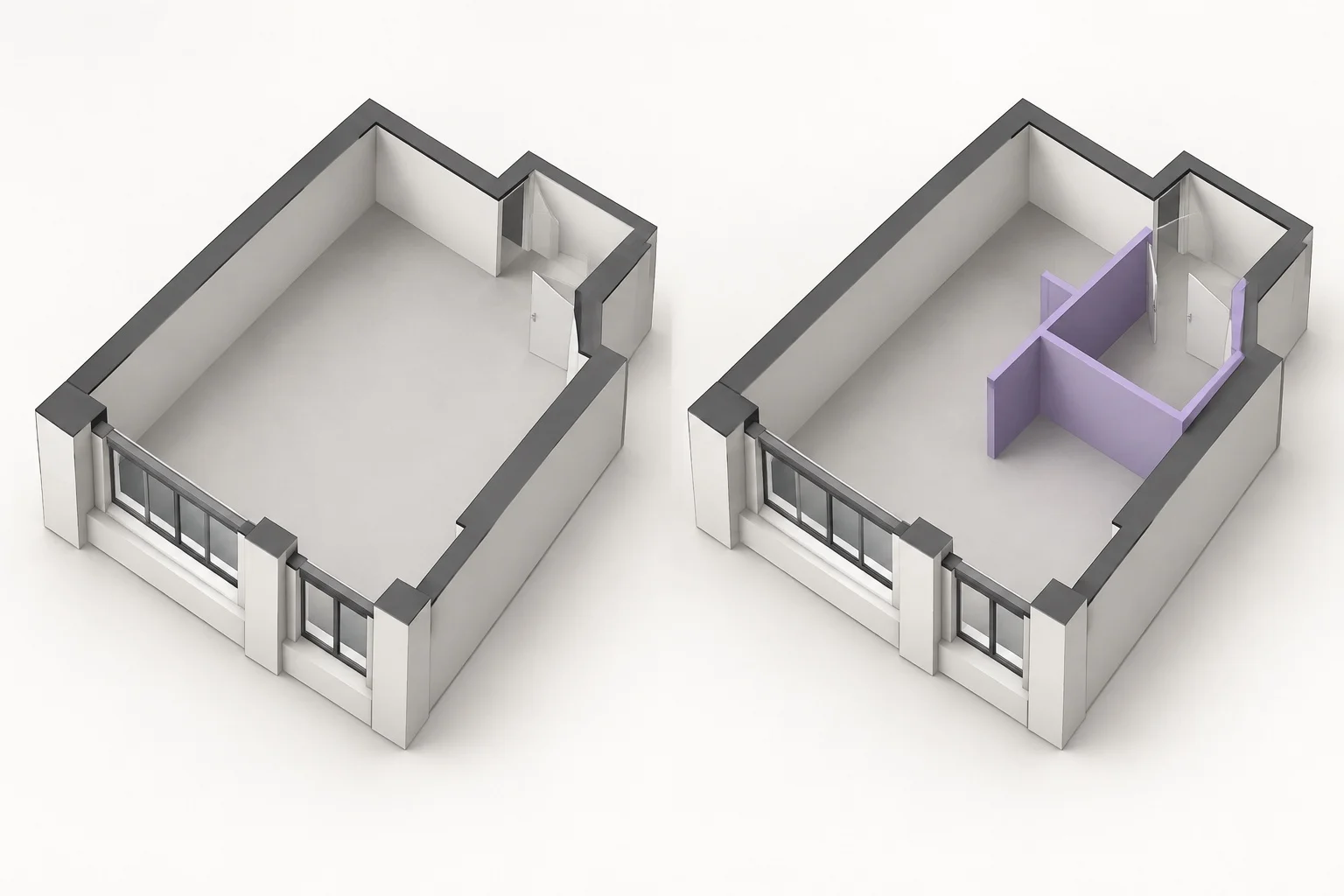
Why Two Plans Blur Together
Every remodel set is really three documents — what stands today, what comes down, and what gets built. Trouble starts when all three are squeezed onto one plan view under the same pen weights and fill patterns. A wall scheduled for demolition reads identically to a wall staying in place, and a reviewer has to reverse-engineer intent from scattered notes.
The blur is worst in exactly the places that matter: door openings, partial demolitions, and new partitions that share geometry with old ones. Without view separation, a crew can cut a wall that was meant to stay, or frame over a chase that the plan only implied was gone.
Clarity is not a style choice. When a sheet mixes three building phases in one linework palette, every reader resolves the ambiguity differently — and only one of them holds the saw.
Layer Discipline for Dual Views
The foundation is a rigid layer split. Existing geometry lives on its own layer group, demolition on another, proposed work on a third — and no element ever migrates across. Once the layers are honest, saved plan views become mechanical: an Existing view isolates the first group, a Demolition view adds the second in dashed form, and a Proposed view shows the third against a muted existing backdrop.
Keep the rule simple enough that it survives deadline pressure: if it exists today, it goes on the existing layer; if it will exist, it goes on the proposed layer; anything that only exists to be removed goes on demolition. An element that does not fit the rule — like a temporarily shored wall — gets a dedicated layer of its own rather than being disguised inside another group.
Color, Line Weight & Poche Rules
Visual conventions do the decoding work so readers do not have to:
- Existing — neutral grey, mid-weight outline, light poche fill. It is context, not action.
- Demolition — dashed perimeter with a cross-hatch or X-fill. Unmistakable at a glance and at print scale.
- Proposed — the boldest line on the sheet with a solid accent poche. New work should dominate the eye.
- Provisional — open dashed boxes with flagged tags for anything awaiting field verification.
Whatever palette you choose, lock it in the sheet legend and never reuse a convention for a different phase. The moment demolition dashes get borrowed for a hidden plumbing chase, the whole system degrades.
Publishing Clear Revision Views
Ship the views as a matched set — Existing, Demolition, Proposed, and Composite — sharing identical crop boundaries and annotation zones so flipping between them feels like toggling a switch, not switching documents. Name each view with a phase prefix and revision stamp, and cross-reference the set in the title block.
The payoff is a review meeting that takes minutes instead of hours: each stakeholder looks at the phase they own, sees only what is relevant, and signs off without the translator work that ambiguous sheets demand.